
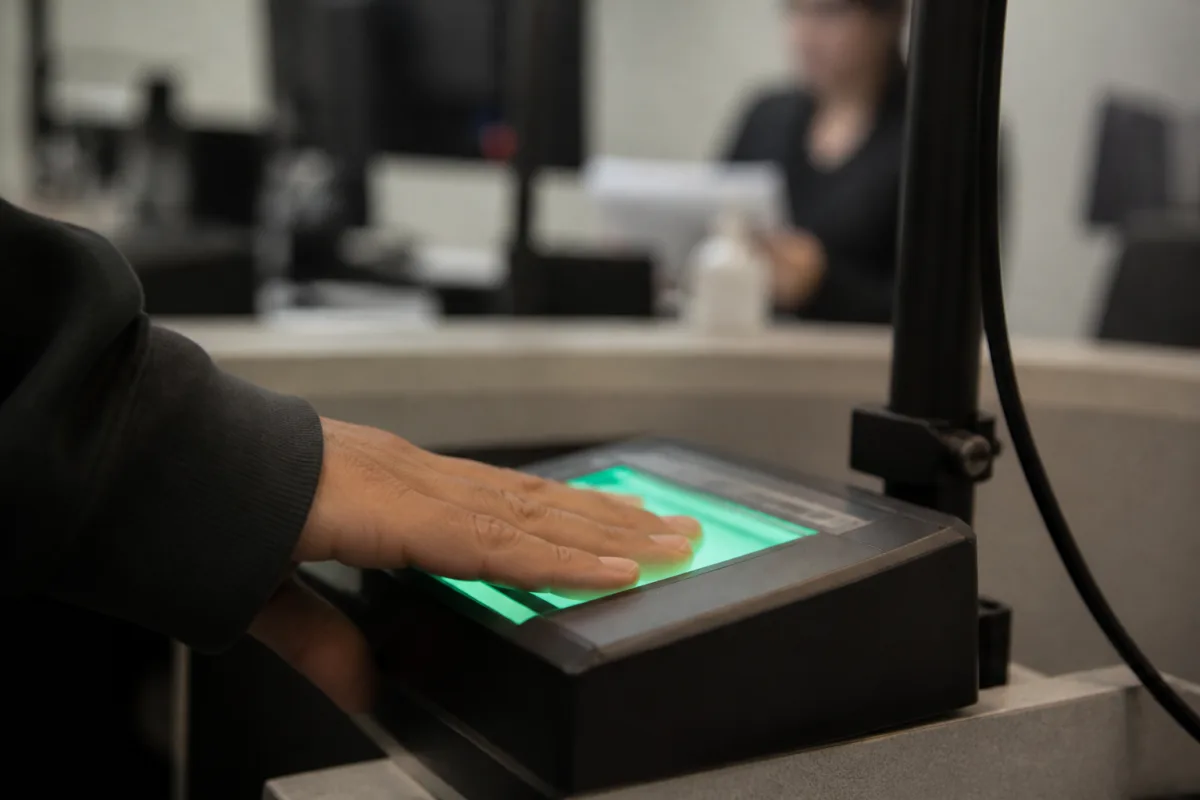

USCIS, CBP, and ICE run dozens of AI tools — officially renamed “Super Intelligence” as of 2026 — to check applicants’ documents, photos, and biometrics, and of the 31 tools relevant to visa cases, 24 are already running in real time.
In short
- DHS renamed AI to SI under a Trump executive order — it’s a change in terminology, the underlying data-processing system stayed the same.
- Many cases use a 0.98 match threshold: below that, the case goes to manual secondary review.
- The final decision on an application is always made by an officer, not an algorithm, even when the system raises the flag.
- The published DHS registry is a floor, a minimum disclosure: classified and rule-based checks aren’t included in it.
- You can check your entry and exit history at i94.cbp.gov, and request a copy of your filed documents through FOIA.
Super Intelligence instead of AI: what changed at DHS
About a month ago, President Trump signed an executive order renaming artificial intelligence (AI) to Super Intelligence (SI) — and that term now appears throughout DHS and other federal agency documents. The order is posted on the White House administration’s website.
This is a change in terminology, not in technology: the definition hasn’t changed, and this isn’t some new, “smarter” system that reads an applicant’s case differently. It’s the same automated data-processing system that was already in place, just under a new name — wherever older regulations said “artificial intelligence,” they now say “super intelligence.”
This is a change in terminology, not in technology
The full list of tools DHS uses — the use case inventory — is published at dhs.gov/si. The same page lists SI/AI data and which agencies use each specific tool.
How many AI tools does DHS use for visa holders
According to the DHS registry, the total number of AI use cases runs into the hundreds across all of the department’s agencies: some are already running in real time, some are in a pilot phase, some are still in planning, and some have been retired. Exact figures shift as the registry is updated, so for current numbers it’s worth checking dhs.gov/si directly.
Out of that whole pool, only tools used by USCIS, ICE, and CBP are relevant to visa holders — the rest of DHS’s agencies have nothing to do with visa matters. That relevant subset comes to several dozen cases.
Most of them are already live — these are the tools that can directly affect how an application is reviewed, how your entry history is checked, or your status as a visa holder right now. The remaining ones are still in the planning stage and aren’t formally in use yet, but they show what kinds of checks are coming.
| Status | Cases (approximate) |
|---|---|
| Deployed and running | majority |
| Pilot | a handful |
| Planned | dozens |
| Retired | dozens |
Exact figures shift as the DHS registry is updated — check dhs.gov/si for current numbers.
Risk tiers: high impact, presumed high, not high impact
DHS sorts every AI use case into one of three tiers: high impact, presumed high (but excluded from that category), and not high impact. Among the use cases that touch visa holders, a significant share falls into the high-impact tier.
High impact covers cases where the cost of an error is greatest: matching a face at the airport, linking an applicant’s record to other records in the USCIS system, and flagging fraudulent documents — for example, when an applicant has submitted forged paperwork. These are the tools that get the most rigorous review: they’re tested, run alongside human-in-the-loop operations, and kept under ongoing monitoring.
Some use cases are classified as presumed high — the assumption was that they’d also be critical, but they ended up excluded from the high-impact tier. This group includes collecting date of birth, verifying photos, and flagging anomalies in passport numbers.
Everything else falls into not high impact: supporting tools like a PDF reader, an evidence classifier, or a program that splits Form I-539 into individual pages. These aren’t tied directly to a decision on a specific case — they’re used as technical utilities.
Whether a human reviews the outcome depends on exactly this category: some use cases build in human review, and some don’t.
DHS sorts every AI use case into high impact (face matching, fraud detection — maximum oversight), presumed high (formally critical but excluded from that tier), and not high impact (technical utilities like a PDF reader).
What DHS doesn’t disclose, and why the data is a floor
DHS itself describes the information it discloses as a floor — the minimum the department has chosen to make public. The actual scope of AI use is almost certainly broader: the department doesn’t list every tool, so that applicants can’t tailor their filings around the system or try to game the review process fraudulently.
the department doesn’t list every tool, so that applicants can’t tailor their filings around the system or try to game the review process fraudulently
For that same reason, the registry only contains the unclassified version: the public, non-sensitive part. Left out are classified and sensitive use cases, plus anything tied to national security systems — CBP, for instance, uses machine-learning models for targeting whose details never make it into the public registry. Rule-based checks that don’t technically qualify as AI are also left out.
The most recent update to this data is dated June 2026 — the latest version of the registry at the time it was published.
How AI reviews your application, step by step
-
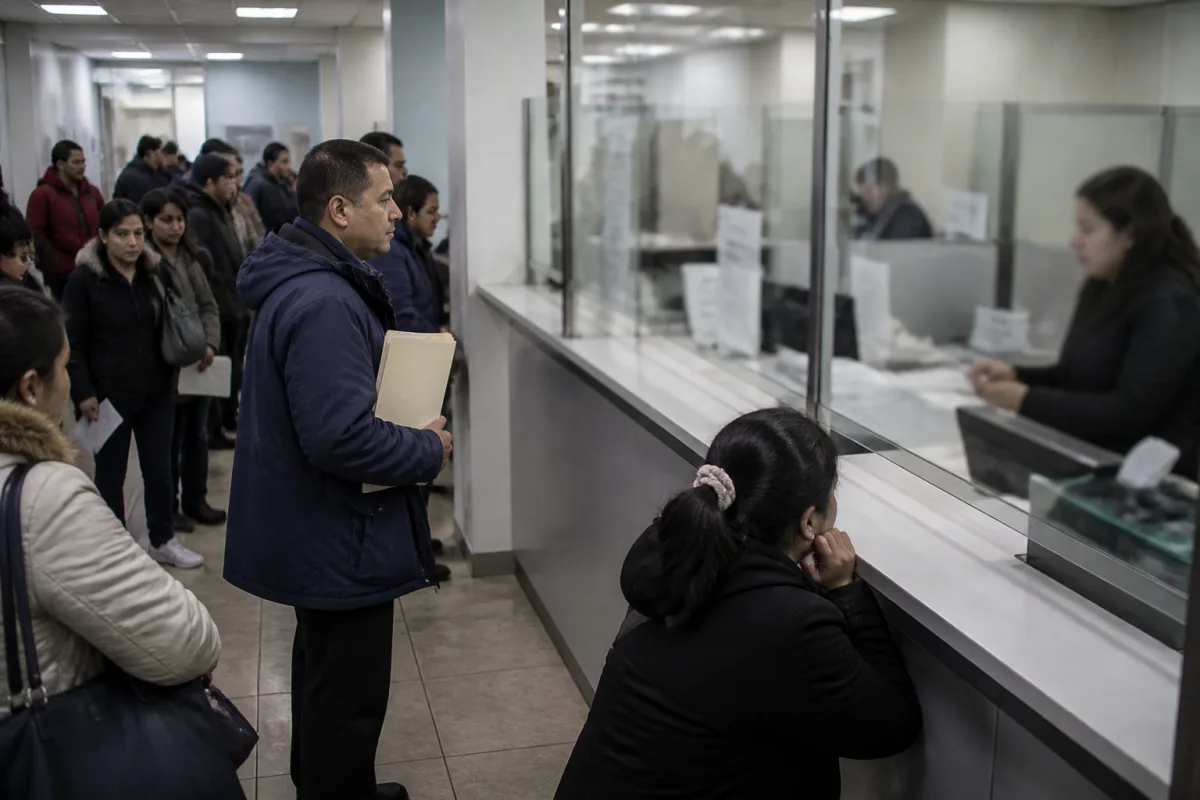
Submission. The applicant submits a document, photo, or biometric data — fingerprints and other information required for the specific process.
-
Recognition and parsing. Systems tied to ESA read the submitted materials, extract data from forms, and split documents into separate blocks. As part of this same processing, photo quality and print quality are checked — the exact set of checks depends on the case.
-
Matching against past records. The extracted information is linked to the applicant’s history: a prior A-number, earlier visa applications, past biometric scans — everything already on file.
-
Scoring. Based on that matching, the system assigns the case a numeric confidence score.
-
Routing based on the score. Many cases use a very high match threshold — 0.98. If the score shows a strong match, the case moves through the regular processing queue. If the score is low, the case is routed to manual secondary review.
-
Human review of the flag. When the system raises a flag, an officer looks at it directly: they either accept or reject the system’s suggested outcome.
-
Officer’s decision. The final decision on the case is made by the officer handling it — never by the system itself.
-
Request on a minor discrepancy. If a data discrepancy is minor, a Request for Evidence (RFE) may be issued — this isn’t a denial, it’s a step-by-step check before a decision is made.
How AI reviews a case: from submission to decision
Automated data-matching is only part of the process — the final decision always rests with an officer.
- SubmissionPhoto, biometrics, documents
- Recognition and parsingData extraction from forms
- Matching against past recordsHistory, A-number, biometrics
- ScoringNumeric match score
- Routingthreshold 0.98High match — regular queue; low match — manual review
- Human review of the flagOfficer accepts or rejects
- Officer’s decisionFinal decision is not made by the system
A high match score moves the case through the regular queue. A low score sends it to manual review. The final decision is always made by an officer, never by the system.
Specific USCIS and CBP tools, and how records are merged
Of the AI tools relevant to visa holders, most are already live, some are still in planning, and at least one — facial recognition for visas in the Consular Consolidated Database — is in a pilot phase.
What’s already live at USCIS
On the USCIS side, there are more than a dozen active tools:
- USCIS PDF intake — scans an uploaded form, pulls out each field, and checks it against the form’s completion rules. A blurry scan or illegible handwriting causes a problem: if the quality is poor, the system raises a flag and routes the document for manual processing.
- I-539 splitter — breaks a single applicant package into separate documents — passport, ID, marriage certificate, and others — then tags them and arranges them in order as supporting evidence.
- Evidence classifier — in use since 2019 and continually refined; by DHS’s own admission, it runs on a not-quite-cutting-edge technology for classifying and comparing text. The tool catches matching recommendation letters or copy-pasted job-duty descriptions — for example, when the same reference-letter text is submitted for different applicants — and links one case to a hundred similar ones, building a mass-fraud case.
- Tagging on I-765, facial recognition, and photo scanning for visas round out this group.
What’s already live at CBP
On the CBP side, several active tools are in use: facial recognition at kiosks at ports of entry, and checks against open-source information and media. Planned additions include document and speech translation, expanded name-data collection, and smart smartphone triage; tools flagged with a “star” are classified as high impact and will go through testing.
How records from seven systems get linked
DHS first establishes the applicant’s identity, then attaches passport data, Form I-94, Form I-20 (for students), the visa photo, address, and I-797 notices to it. Records are pulled together from seven U.S. government systems. Merging data into a single profile requires a match-confidence threshold of around 98% — if the result falls below that, the case goes into the manual review queue.
The A-number is checked separately: it must belong to the exact applicant filing the case, and even a small typo in it sends the case to manual review. The system pulls aliases and dates of birth from the FBI database for an officer to review — security checks happen at this same stage. For Form I-765, biometric facial recognition is performed, and that same photo is reused on other forms, including the EAD. Officers additionally cross-check the photo against State Department records and check whether the applicant appears on a no-fly list.
On the CBP side, the overall picture is rounded out with face matching, traveler risk analysis, and linking travel history to automated targeting systems — including data received from other countries. A separate analysis covers the applicant’s social media activity.
How to check your entry history and what to do about discrepancies
You can check your entry and exit history at i94.cbp.gov — it shows a record of every border crossing. It’s worth confirming that every record matches your actual trips: discrepancies aren’t uncommon.
What to do next depends on how big the discrepancy is:
- A minor inaccuracy (a typo in a date, a stray character) — can usually be left alone.
- A serious discrepancy (a missing entry, the wrong status, an absent record) — you need to contact a CBP office and get the record corrected so the data lines up across every system.
This matters because any mismatch can trigger a flag on a later filing — whether that’s a status extension or a green card.
any mismatch can trigger a flag on a later filing — whether that’s a status extension or a green card
According to estimates DHS provides in its own materials, the scale of CBP’s facial recognition system is substantial: tens of millions of travelers go through a face check, the system has flagged hundreds of attempts at impersonation over several years of operation, and the department states that deploying AI tools has saved staff thousands of hours of review time.
Compare your entry and exit history against your actual trips. A serious discrepancy — a missing entry, the wrong status — needs to be fixed through a CBP office before you file a new application.
Common data mistakes that trigger flags and RFEs
Even a small mismatch between documents can trigger an automatic flag: the system cross-checks data from the DS-160 all the way through a naturalization application, and what used to be done by hand is now automatic — so any inconsistency turns straight into an avoidable RFE.
What to check first:
- Name. List every spelling variant that appears in your passport, and every name you’ve ever used.
- Dates. Use one consistent format across every document — for example, MM/DD/YYYY — and make sure the dates match between Form I-131 (change of address) and every other form you’ve filed.
- Addresses. Keep a complete record of every address you’ve lived at, and file Form I-131 at every move, keeping copies of every past filing — this builds a complete history in case something gets flagged.
- Passport. When you renew your passport, check every immigration document tied to the old passport data.
- Employer. The employer name on your pay stubs and W-2 must match the employer name on the filed petition — any mismatch here can also trigger an RFE.
For F-1 holders applying for OPT, it matters that the I-20 matches your school’s name exactly, that every address change is reported within 10 days along with Form I-765, and that the photo on the I-765 meets the standard and matches the EAD card.
For H-1B and H-4 holders, check that the dates on the I-94 after each entry line up with the dates on the I-797, and double-check the spelling of names on H-4 documents.
A separate issue is templated job-duty descriptions copied from the internet: they shouldn’t be copied — duties should be described the way they actually look in that specific role, unique and relevant to that exact position. This applies both to the visa holder and to the employer filing the petition.
Before submitting anything to USCIS, CBP, or DHS, it’s worth one more careful pass on spelling, date formats, and making sure every name is written in your own words rather than copied from a template.
Job-duty descriptions copied from the internet get recognized by the system and link your case to hundreds of similar ones — building a mass-fraud case.
What to check before filing to avoid a flag or RFE
How to get your own data through a FOIA request
You can get a copy of everything you’ve filed through a FOIA (Freedom of Information Act) request. The request can include anything that qualifies as accessible — for example, materials related to Form I-140 and other previously filed documents.
The point of the request is to have in hand the exact same thing the system sees when it cross-checks your case: if a discrepancy comes up later on a filing, the applicant already has copies of past submissions and can work out exactly where the mistake is and how to fix it.
Frequently asked questions
If a system flag already led to an RFE, does that mean a denial?
No, an RFE isn’t a denial — it’s an extra review step: an officer requests clarification on a data discrepancy and makes a decision only after receiving a response. The final decision on the case is always made by an officer, not by an automated system.
Can a decision be challenged if the system made a mistake in the flag, not the applicant?
Any flag the system raises is still reviewed by an officer: they can accept or reject the system’s suggested outcome, and the final decision stays with the officer handling the case. If the discrepancy came from a mistake in your own documents, it should be corrected before you file the next application.
Do I need to change anything in my filed documents because AI was renamed Super Intelligence?
No, this is a terminology change in DHS regulations, not a change to the technology itself or to the requirements for applicants: the system works the same way it did before — it’s just that “super intelligence” now appears in documents instead of “artificial intelligence.”
How do I find out whether a specific DHS AI tool falls into the high-impact category?
You can look up each tool’s category in the use case inventory at dhs.gov/si — it shows whether the use case is high impact, presumed high (but excluded from that category), or not high impact. For visa holders, high-impact tools are usually the ones tied to face matching, merging records, and detecting fraudulent documents.
Can I file a FOIA request before a data discrepancy even comes up?
Yes, a FOIA request can be filed at any time, not only after a problem is discovered: it lets you get copies of everything you’ve previously filed, including Form I-140 and other relevant materials, so you already have in hand what the system sees when it cross-checks your case.
How many AI tools does DHS currently use that affect visa holders specifically?
Out of the full DHS registry, 31 USCIS, ICE, and CBP tools are relevant to visa holders: 24 of them are already deployed, and 7 are still in the planning stage.

Comments
Reader experience is useful, but it is not advice: check the rules on the official site.
No account needed: click Sign in, type any name, and you are done.